Manifest V3
Vanilla JS
Chrome APIs
IndexedDB
The brief
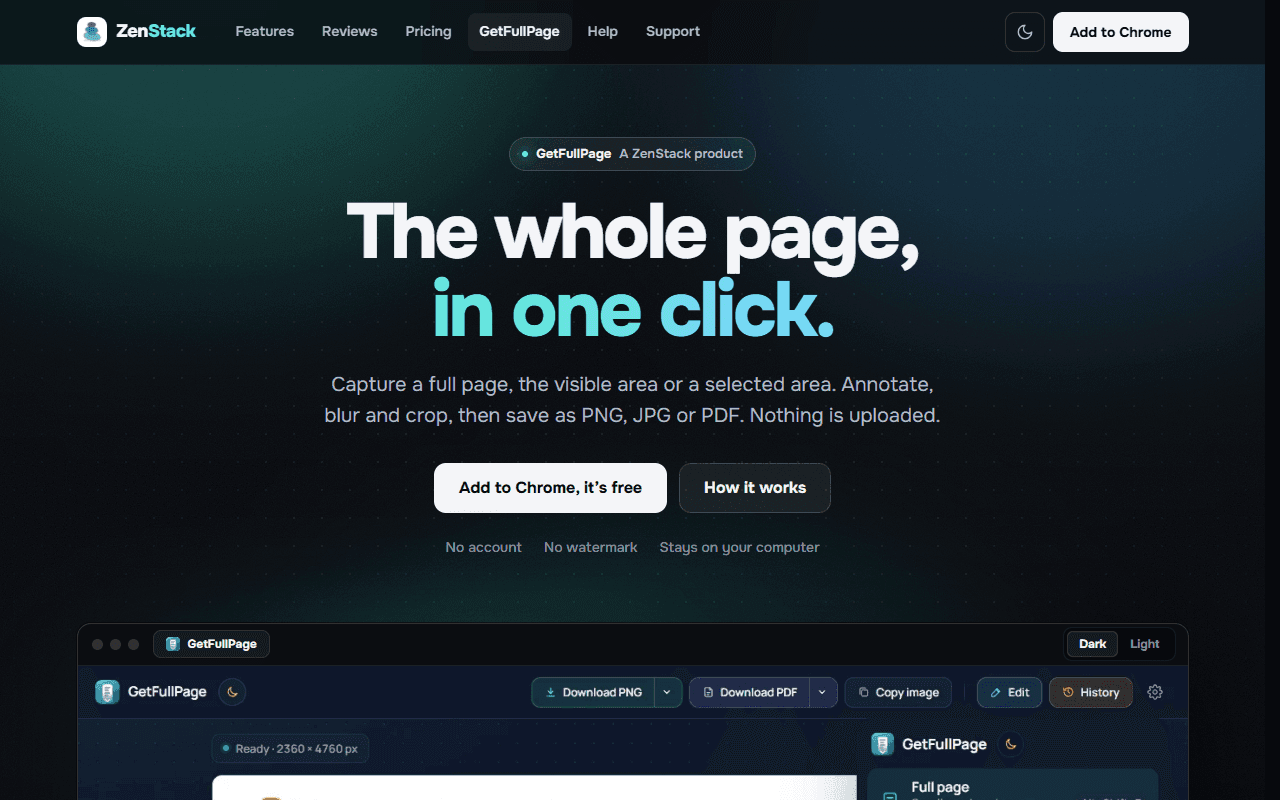
Chrome extension for screenshots: the full page, the visible area, or an area you select. Annotate, blur and crop, then save as PNG, JPG or PDF, or copy to the clipboard. Nothing is uploaded; everything stays on your computer.
Overview
GetFullPage is a Chrome extension that captures a whole web page in one click, as well as just the visible area or a region you drag or click. A result tab previews the capture with an editor for cropping, annotating and blurring, exports to PNG, JPG or PDF, copy to clipboard, and a local history. There is no account, no backend and no upload: the capture, the editing and the files all stay in the browser.
Highlights
- Three capture modes – Full page, visible area, or select area (drag a box, or click a panel to capture all of its scrolling content), each with its own shortcut.
- Clean long pages – Loads lazy images and scroll-in animations first, shows sticky headers once instead of repeating them, and hides cookie banners and chat widgets.
- Editor – Arrows, boxes, ellipses, pen, highlighter, text and numbered steps, plus crop and blur.
- Exports – Full-resolution PNG, smaller JPG, PDF as a single page or split to A4, or straight to the clipboard, with file names built from site, title, date and time.
- Private by design – No account, no watermark, no analytics; a local history of recent captures that you can clear.
- 13 languages – English plus 12 translations.
Under the hood
Manifest V3 with a service worker and content scripts, vanilla JS with no build step or runtime dependencies. Chrome APIs: activeTab, scripting, storage, contextMenus, commands. Captures are taken as tiles and stitched; history lives in IndexedDB; the PDF and ZIP writers are hand-written.